
Construction projects generate a constant flow of information. A lead becomes an estimate, the estimate becomes an approved project, the project needs a schedule, crews need instructions, costs need to be tracked, and completed work eventually needs to be invoiced.
The challenge is keeping those stages connected.
That is why choosing project management construction software should involve more than checking whether a platform has a calendar, task list, or document storage. Contractors need features that support the way work actually moves through their business.
The most useful platforms connect customer management, estimating, scheduling, field operations, job costing, and financial workflows. When these capabilities share the same project information, teams spend less time transferring data between systems and more time managing the work itself.
For growing exterior and specialty contractors, this connected approach is also central to Precise Builder. Its features are designed around the lifecycle of a contracting job, from the first customer inquiry through final payment.
Project management construction software helps contractors organize the people, information, schedules, costs, and processes involved in completing projects.
Traditional project management software focuses mainly on tasks, deadlines, and collaboration. Construction companies usually need more, because a project is tied to estimating, crews, materials, field activity, costs, change orders, invoices, and customer communication.
A construction platform may therefore include:
Not every contractor needs every feature. The important question is whether the software supports the stages that create the most work or uncertainty in your company.
It's also worth considering how those features connect. An estimating feature is more valuable when the approved estimate can move into production, and scheduling is more useful when crews can access the project information tied to each job.
Construction project management often begins before a project officially exists.
A potential customer calls, submits a website form, or receives a referral. Someone needs to record the inquiry, follow up, schedule a site visit, prepare an estimate, and track what happens next.
A built-in customer relationship management system helps organize this process, keeping key customer information together, including:
This creates continuity between sales and production. When the customer approves a project, the information collected during the sales process should not disappear into another system.
Precise Builder connects customer profiles with leads, estimates, proposals, and projects, giving employees a central place to review the relationship history instead of searching through emails, spreadsheets, and separate applications.
Estimating is where many important project decisions begin.
The estimate establishes expected materials, labor, equipment, costs, selling price, and margin. If that information is incomplete or inconsistent, the problem can follow the project all the way through production.
Good project management construction software should either include estimating or connect closely with the estimating process. For contractors that perform similar work repeatedly, reusable estimating structures can be especially valuable.
Precise Builder uses Smart Kits to group common materials, labor, equipment, pricing logic, and scope components. Instead of rebuilding a common project from scratch each time, estimators can start with a repeatable structure and adjust it for the specific job. This helps preserve estimating knowledge and keeps quotes consistent across multiple estimators.
Precise Builder also displays cost, gross profit, and margin during estimating, so the estimator can review the financial picture before the proposal reaches the customer. Once the estimate is complete, it can move into a customer-facing proposal with options for electronic approval.
A project does not move directly from new lead to active construction. There may be calls, site visits, measurements, estimate preparation, proposal review, follow-up, and deposit collection in between.
A visual sales pipeline helps the team see where each opportunity stands. Instead of maintaining a separate spreadsheet of pending quotes, users can move opportunities through defined stages such as:
New Lead → Site Visit → Estimate in Progress → Proposal Sent → Follow-Up → Won or Lost
The exact stages should reflect the company's sales process.
Pipeline visibility helps both salespeople and owners: reps can see which opportunities need action, while management can see how much potential work is moving toward production.
Precise Builder supports configurable sales pipelines and pending-estimate visibility, helping teams identify proposals still waiting on a customer decision.
Scheduling is one of the most visible features of construction management software, but a basic calendar is rarely enough.
Construction schedules change because of weather, customer availability, material deliveries, crew capacity, project delays, and unexpected site conditions.
Useful scheduling software should show not only when a project is planned, but also what is being scheduled and who is available to complete it, with visibility into:
The schedule should also stay connected to the project record, so employees assigned to a job can access its information without searching elsewhere.
Precise Builder connects scheduling with its production pipeline, giving contractors a clearer view of work moving through the business.
The office may plan the project, but the field team has to execute it.
Crews and project managers need access to current information — the approved scope, measurements, notes, documents, schedule details, customer information, and project updates.
Without a shared system, these details often move through phone calls and text messages, which creates problems when information changes or several people need the latest version.
Project management construction software should create a shared project record that follows the job into the field. Precise Builder keeps the information created during sales, estimating, and scheduling connected as the job moves into production, reducing manual handoffs between office and field teams.
Labor is a major project cost for many contractors. If actual field time isn't captured accurately, it's difficult to understand how a project really performed.
Integrated time tracking connects employee hours to the appropriate job, giving contractors useful information beyond payroll. Comparing estimated labor with actual labor can reveal whether production assumptions were realistic.
For example, if an installation is regularly estimated at 24 labor hours but actually requires 32, that pattern may go unnoticed when time and estimating data live in separate systems. Connected data gives management the chance to catch it and improve future estimates.
Precise Builder includes time tracking as part of its broader field and job-costing workflow.
Projects do not always follow the original scope. Customers request additions, existing conditions reveal extra work, materials change, or the crew discovers something that couldn't be seen during estimating.
These changes need to be documented. A useful change-order workflow should help the team record:
Without a structured process, changes may remain in conversations or text messages, creating disagreements about what was approved and complicating accurate job costing.
Precise Builder includes change-order management within its connected project workflow, helping additional work stay tied to the original job.
Project status tells you whether the work is progressing. Job costing tells you whether the project is performing financially. Both matter.
A job can finish on schedule and still produce a lower margin than expected because labor took longer, materials cost more, or additional expenses were not anticipated.
Useful job-cost information may include:
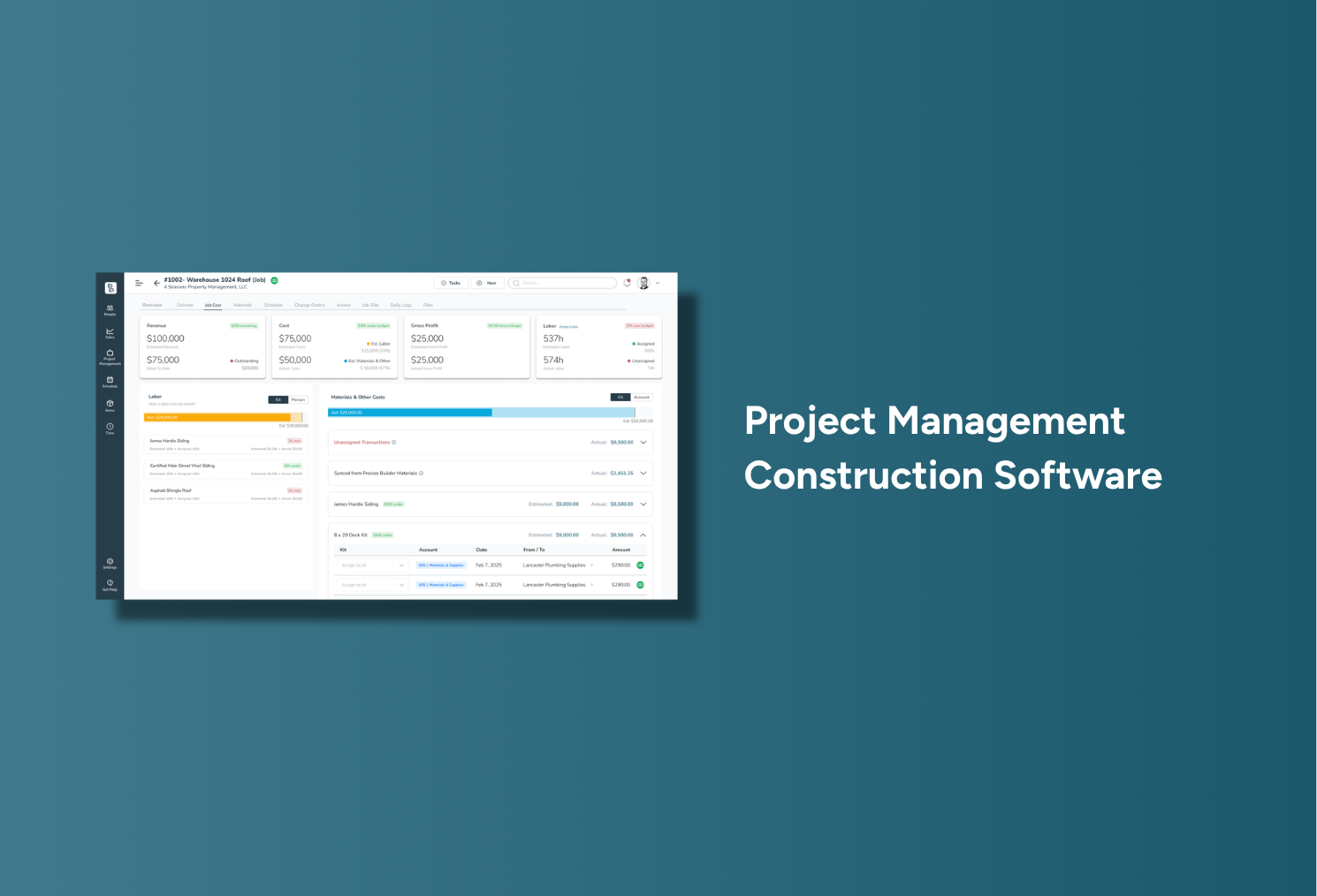
Precise Builder connects estimating with job costing so contractors can see cost, gross profit, and margin when preparing the quote, then compare expectations with actual project results. This creates a feedback loop: if actual performance repeatedly differs from the estimate, the contractor can adjust pricing, labor assumptions, or Smart Kits instead of repeating the same mistake.
Project management does not end when the crew leaves the site. The completed work still needs to move into invoicing, payment, and financial reporting.
If project information must be recreated in a separate billing process, the company adds another manual handoff at the end of every job.
Construction software should make it easy to connect the customer, approved work, project information, and financial activity. Precise Builder identifies QuickBooks synchronization among its capabilities, keeping operational and financial information connected without rebuilding the project after production.
Owners and managers shouldn't need to open every individual project to understand what's happening in the business. Useful dashboards should surface the information that requires attention, which might include:
The purpose of a dashboard isn't simply to create more charts — it should help someone make a decision. If an estimate has been waiting for a response, the sales team should know. If production capacity is filling up, the scheduler should see it. If actual job performance is falling below expectations, the owner should be able to investigate.
Precise Builder brings sales, production, and financial information into the same operating environment, giving contractors visibility across more than one stage of the business.
A platform can technically offer every feature above and still leave the contractor with a fragmented workflow. The key question is whether information moves between those features.
Imagine a contractor using separate systems for CRM, estimating, scheduling, field communication, and accounting. The business has plenty of software, but employees still have to move information manually from one application to another.
Now consider the same project in a connected system: a lead enters the CRM, the estimator uses that information to build the quote, the approved proposal becomes a project, production schedules the work, the field team accesses the job information, time and costs are recorded against the project, actual results are compared with the estimate, and the completed job moves into invoicing.
The information follows the project. That is the difference between having construction software features and having a connected construction workflow.
It's also central to Precise Builder's positioning. The platform is designed to support the lifecycle from lead and estimate through scheduling, field execution, job costing, invoicing, and final payment.
More features are not automatically better.
A five-person specialty contractor and a large commercial construction company may both search for project management software, but their requirements can be very different.
Start by identifying the problems creating the most friction in your company:
This approach makes software evaluation more practical. Instead of asking which platform has the most features, ask which platform removes the biggest problems from your current workflow.
Precise Builder is built primarily for small and growing exterior and specialty contractors. Its product design reflects the way these businesses move work from sales into production and ultimately into financial closeout.
The connected workflow can be summarized as:
Lead → Customer → Estimate → Proposal → Approval → Production → Schedule → Field Work → Job Costing → Invoice → Payment
Within that lifecycle, contractors can manage customers and leads, build estimates with Smart Kits, track opportunities through sales pipelines, create proposals, schedule production, coordinate field activity, track time. Costs, manage change orders, compare estimated and actual project performance, and move completed work toward invoicing.
The company materials describe its typical target customer as a contractor with approximately 2 to 20 employees and 1 to 8 field crews — companies that have outgrown spreadsheets and informal processes but don't want the complexity of software built for large enterprise construction organizations.
Its primary trade focus includes roofing, siding, gutters, windows and doors, decks, fencing, masonry, post-frame construction, sheds and outdoor structures, framing, and related specialty work.
Precise Builder also emphasizes personal onboarding and human support. Rather than simply granting access to software, its onboarding approach is designed to understand how the company operates and configure the system around those workflows. For growing contractors, that implementation support can matter as much as the individual features — software creates value only when the team knows how to use it consistently.
Project management construction software is a platform that helps construction companies organize projects, customers, schedules, field activity, costs, documents, and financial workflows. More complete platforms may also include estimating, CRM, proposals, job costing, and invoicing.
Important features include customer management, estimating, proposals, scheduling, field access, time tracking, change orders, job costing, invoicing, and reporting. The right combination depends on the contractor's workflow and business size.
Some platforms do and others require a separate estimating system. Integrated estimating can be useful because the scope, labor, materials, costs, and pricing created during the estimate can remain connected after the project is approved.
A schedule tells the team when work should happen, while the project record explains what needs to happen. Connecting the two gives crews and managers access to the information associated with each scheduled job.
Project management focuses on organizing and executing the work. Job costing focuses on financial performance by comparing expected costs with actual labor, materials, equipment, and other project expenses.
Construction work happens away from the office. Field access allows crews and project managers to review current project information and record updates without relying entirely on calls, paper files, or text messages.
According to the supplied Precise Builder company brief, the platform includes customer and lead management, estimating with Smart Kits, proposals, sales pipelines, scheduling, field workflows, time tracking, change orders, job costing, invoicing, financial capabilities, and related construction operations features.
Precise Builder is primarily designed for small and growing exterior and specialty contractors, particularly businesses that have outgrown spreadsheets, paper records, disconnected applications, and informal communication.
Not necessarily. The answer depends on the company's requirements and the capabilities of the platform. Contractors should identify which systems they genuinely need and determine whether an integrated platform can reduce unnecessary software switching without sacrificing important functionality.
When comparing project management construction software, it's easy to focus on the number of features each provider offers. But the longest feature list doesn't necessarily create the best operating system for your business.
Focus instead on the flow of information. Can the customer record move into estimating? Can an approved estimate move into production? Does the schedule connect to the job? Can field activity feed into job costing? Can actual performance improve the next estimate?
Those connections are what turn individual software tools into a useful contractor-management system.
For small and growing exterior and specialty contractors, Precise Builder is designed around that connected approach. It brings customer management, estimating, proposals, scheduling, field operations, job costing, and financial workflows together so information can follow the project from the first lead through final payment.
If your current process depends on spreadsheets, paper folders, disconnected applications, or knowledge stored in the owner's head, the features that matter most may be the ones that finally bring those pieces together.
In closing, the features outlined above define what exterior contractors require from project management construction software: estimating, CRM, scheduling, job costing, and financial tracking unified within a single platform. Precise Builder delivers this integration with clarity and precision, eliminating communication breakdowns and protecting profit margins at every stage. Contractors seeking a more organized, accountable, and profitable operation will find these capabilities essential to reducing chaos and strengthening the customer experience from estimate to invoice.
With the Precise Builder software, you can finally run your construction company well and with accuracy. Via one single platform, you’ll have access to all your processes and important information, making it easier than ever to:

Run your company using one central software

Stop stressing over seemingly endless office work

Better estimate how much each job will cost

Grow your sales and have fun doing it!

Explore Precise Builder on your own time? Access our free live demo today and discover the benefits.
Schedule a time with one of our experts to talk through exactly how Precise Builder fits your company.
We will explore your exact needs and areas of weakness, then show you the features that will work best.
Schedule Now"With Precise Builder, everything lives within the software and I can access it anywhere ... to sum it up, it has saved our company an incredible amount of time, which is a huge return on our investment"
-Kevin, TriState Buildings
%201.webp)

