
Choosing a construction management software platform is about more than finding a better calendar, CRM, or project tracker. For a growing contractor, the real question is whether the software can keep customer information, estimating, proposals, scheduling, field work, job costing, invoicing, and financial activity connected as a project moves through the business.
When those stages live in separate spreadsheets, apps, text threads, paper files, and employee memories, every handoff creates another opportunity for information to be missed, duplicated, or outdated. Precise Builder is designed around solving that problem for growing exterior and specialty contractors by connecting the workflow from lead and estimate through proposal approval, production, scheduling, field execution, job costing, invoicing, and final payment.
Before buying any construction management software platform, contractors should evaluate how well it fits their real workflow, whether information moves cleanly between teams, whether field employees will actually use it, and whether the system gives owners enough visibility into job performance and profitability.
A construction management software platform is a system that helps contractors manage multiple parts of their operations from one connected environment. Depending on the platform, that may include customer management, sales pipelines, estimating, proposals, project management, scheduling, crew coordination, field access, time tracking, change orders, job costing, invoicing, financial integrations, and reporting.
The important word is platform. Contractors can already perform most of these tasks with separate tools. The difference is whether those tools operate independently or whether information follows the job from one stage to the next.
Customer information collected when a lead first enters the business should still be useful when the estimate is created. The approved estimate should continue into production. Scheduling should remain connected to the project. Field labor should contribute to job costing. Actual project performance should help improve future estimates.
That continuity is what contractors should be evaluating.
Before comparing software, map how a normal job currently moves through your company:
Lead → Customer → Estimate → Proposal → Approval → Production → Scheduling → Field Work → Job Costing → Invoice → Payment
Then identify where each stage happens today. You may find that leads are tracked in one system, estimates are built in spreadsheets, proposals are created elsewhere, schedules live on a calendar or whiteboard, field updates arrive by text, labor is recorded separately, and accounting eventually determines whether the job made money.
None of those tools may be terrible on their own. The bigger problem is often the number of manual handoffs between them.
A connected construction management software platform should reduce those handoffs rather than only digitize them.
One practical way to compare platforms is to focus on the five places where information is most likely to break down:
At each handoff, ask the same question: Does the information continue automatically, or does someone need to re-enter it, explain it, copy it, text it, or rebuild it?
This test is often more useful than comparing long feature lists. A platform may have CRM, estimating, scheduling, and reporting, but if those functions do not share the same project information, the business still depends on manual coordination.
Precise Builder is built around these transitions. The purpose is not just to give contractors more tools. It is to keep the job record useful as responsibility moves from sales to production to the field and finally into job-cost and financial review.
Every project begins with customer information. A lead may enter through a website form, phone call, referral, integration, or manual entry, and the company may later add notes, site-visit details, estimates, proposals, communication history, approved scope, and project information.
Before buying software, ask what happens to that record after the sale. Does it remain useful through production, or does another employee need to create the job again somewhere else?
A useful platform should allow salespeople, office staff, project managers, and other employees to work from the same customer history. That reduces the need to search through inboxes, phones, and separate systems for context that should already be attached to the job.
Estimating is one of the most important areas to evaluate because an estimate contains more than a customer price. It can also contain materials, labor, equipment, measurements, scope, costs, gross profit, and margin.
Those assumptions matter after the sale.
If estimating happens in a disconnected spreadsheet, production may receive only part of the information. Someone may have to rebuild a material list, interpret the scope, or ask the estimator what was included.
Precise Builder's estimating and Smart Kits are designed to make estimating more repeatable. Smart Kits can group materials, labor, equipment, pricing logic, and common scope components so contractors do not have to recreate frequently performed work line by line.
The practical value is easier to see in customer results. Smucker Exteriors reported more than a 30 percent reduction in estimating time, while Shed Repair reported reducing a typical quote from roughly 30 to 45 minutes to about 15 minutes. Creek View Construction reported increasing estimated monthly estimate volume from approximately 4 to 20.
Those results do not mean every contractor will achieve the same outcome, but they illustrate what contractors should be looking for: a system that reduces repetitive estimating work while preserving pricing consistency and useful project information.
Once an estimate is complete, the customer needs something they can review and approve. This is another point where disconnected systems create duplicate work.
If an estimator builds pricing in one program and then manually recreates the proposal somewhere else, every revision creates another opportunity for scope or price information to become inconsistent.
When evaluating a platform, look at whether the estimate can become a professional customer-facing proposal without rebuilding the job. Useful capabilities may include multiple pricing or scope options, electronic signatures, digital approvals, and a direct transition from approved work into production.
The real value is not just creating a nicer proposal. It is keeping approved pricing, scope, notes, and estimate details connected when the job moves to the next stage.
The handoff from sales to production is one of the best tests of any construction management software platform.
Sales may understand exactly what the customer expects, while production may not have been part of those conversations. If the handoff depends on a meeting, printed folder, email, or employee memory, important details can disappear before the crew ever arrives.
Before choosing software, ask whether approved work becomes visible to production without recreating the project. Can the project manager review the original estimate? Are customer notes still attached? Can scheduling begin from the same record? Can the field team receive the information it actually needs?
The project should move forward. It should not restart every time responsibility changes hands.
Construction scheduling involves more than choosing a date. Managers may need to consider crew availability, job requirements, workload, capacity, project timelines, weather, and changes to existing jobs.
A basic calendar can show when a job is planned. It may not show whether the company is ready to perform the work or which crew has the capacity to take it.
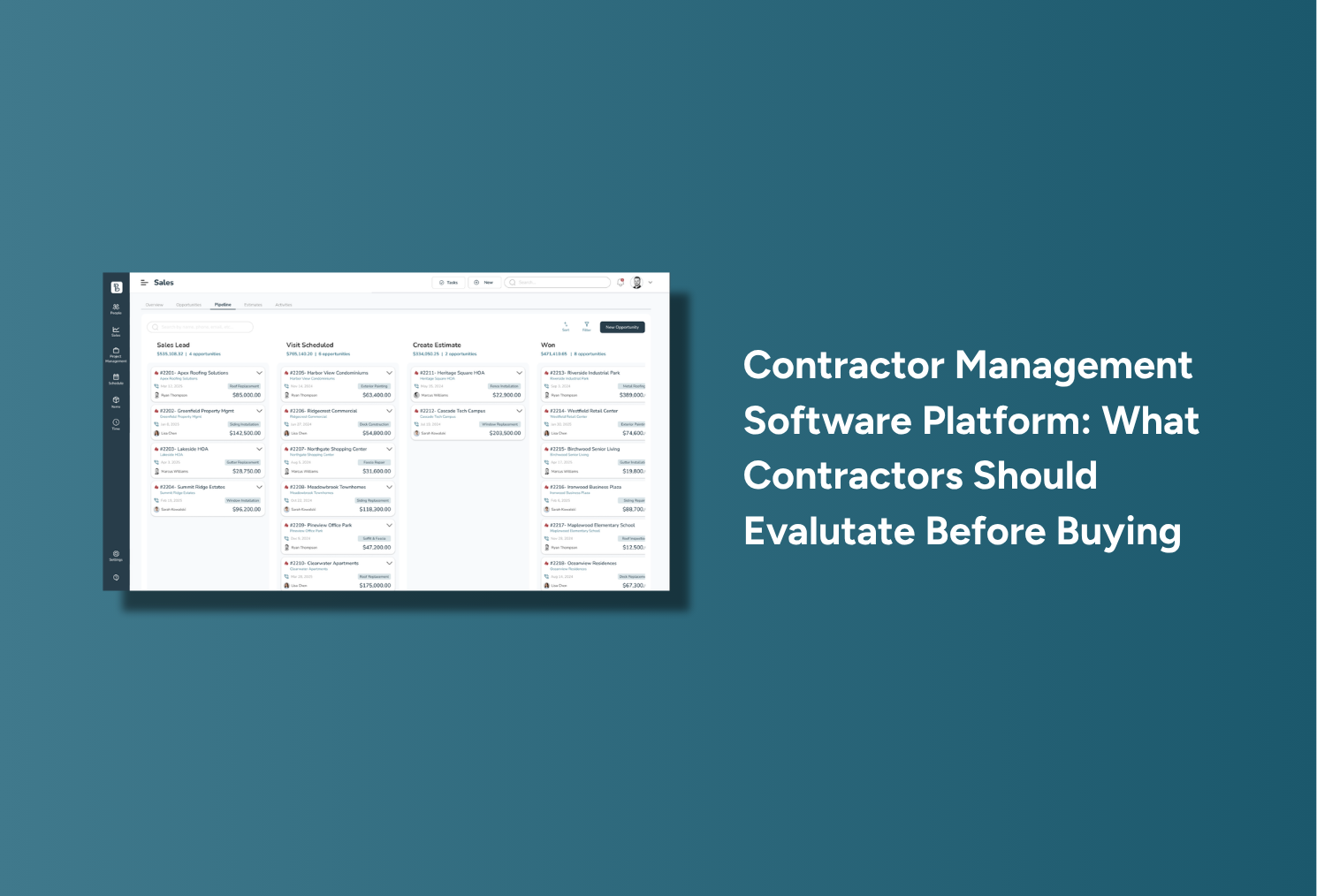
Precise Builder's pipeline and scheduling tools connect approved work with production planning and crew assignments. Managers can review upcoming jobs, active projects, project status, and crew schedules within the broader workflow.
The platform also includes Rainy Day functionality for moving jobs when weather disrupts the schedule. That is particularly relevant for exterior contractors, where one weather event can affect several crews and customers at once.
Century Building Group reported that its crew scheduling board reduced coordination texts and gave its 10-person team clearer next-day visibility. That kind of result is worth evaluating because scheduling software should reduce coordination work, not merely display dates.
A construction platform can look excellent in a sales demonstration and still fail if the field team finds it difficult to use.
Crews may need quick access to assigned jobs, scope, materials, project notes, time tracking, punch lists, daily logs, photos, and updates. If those tools are too difficult to use during a normal workday, employees may return to phone calls, texts, paper notes, and separate time records.
At that point, the connected workflow begins to break apart.
When evaluating software, ask how many steps it takes for a field employee to find job information, record time, or update the office. Simplicity matters because job-cost and production data are only valuable when employees consistently enter them.
Precise Builder's field tools are designed to keep assigned jobs, project information, time tracking, punch lists, and daily activity connected with the same job record used by the office.
A contractor can have a full schedule and still lose money. Revenue shows what the customer paid, but it does not show whether actual labor, materials, equipment, and other job expenses matched the estimate.
That is why job costing should be part of the software decision, not an afterthought.
Precise Builder's job costing and profit tracking connects estimating assumptions with actual project performance. Contractors can compare estimated labor and costs with actual hours and expenses as the job progresses.
That creates a useful feedback loop:
Estimate → Schedule → Record Actuals → Compare → Improve the Next Estimate
This helps contractors ask better questions. Did labor take longer than expected? Were materials omitted? Was the original margin realistic? Did the scope change? Which job types are consistently more profitable?
Brechbill reported that job-cost visibility helped the company understand whether a job was working and where corrections were needed. The larger lesson is that construction management software should not only tell you what happened after the project is over. It should help connect real production data back to the assumptions used when the job was sold.
The workflow does not end when field work is complete. Approved work eventually needs to become an invoice, and financial information should remain connected to the same project history.
If employees must recreate customer details, pricing, or scope in another system, duplicate entry continues all the way to final billing.
Precise Builder includes invoicing and QuickBooks synchronization within its broader workflow. The important buying question is therefore not just, “Can this software create an invoice?”
A better question is, “Does invoicing remain connected to the project information that already exists?”
That connection can reduce administrative work and make it easier to understand the job from estimate through final payment.
As a contracting company grows, the owner cannot personally monitor every lead, estimate, schedule change, crew assignment, and project.
The software should provide enough visibility for leadership to understand what is happening without chasing employees for updates. Useful information may include active sales opportunities, pending estimates, project progress, upcoming work, crew workload, payment status, sold work, and pending revenue.
This is especially important when the owner is trying to delegate more responsibility. A growing company should not continue depending on one person to remember every customer detail, schedule, pricing decision, and job status.
The more the software can turn operational activity into useful visibility, the easier it becomes to manage the business without carrying the entire company in one person's head.
Buying software and successfully adopting software are not the same thing.
A platform can have the right features and still fail if it is never configured correctly, employees are not trained, estimating structures are incomplete, or the field team avoids using it.
Before buying, ask who helps configure the system, how existing workflows will be translated into the software, how estimating structures will be built, how employees will be trained, and what support is available after launch.
Precise Builder emphasizes a personal onboarding and support model rather than positioning itself as purely self-service software. That can matter for contractors moving from spreadsheets, paper, whiteboards, and informal processes, because implementation often requires the business to define processes that previously existed only in the owner's memory.
Precise Builder is primarily designed for small and growing exterior and specialty contractors.
Its ideal customer generally has approximately 2 to 20 employees and 1 to 8 field crews. Relevant trades include roofing, siding, gutters, windows and doors, decks, fencing, masonry, post-frame construction, sheds and outdoor structures, framing, and other project-based specialty contracting businesses.
A connected platform becomes especially useful when a company begins experiencing repeated data entry, missed follow-up, unclear schedules, inconsistent estimates, field communication problems, or limited visibility into actual job profitability.
The important question is not whether software can serve every possible construction business. It is whether the platform fits the size, workflow, and complexity of your company.
One of the most practical ways to compare construction management software is to use one of your own completed projects.
Ask the software provider to show how that exact type of job would move through the system from lead to payment. Pay attention to every point where someone has to re-enter information, switch applications, export data, send details manually, recreate the project, or depend on memory.
Those moments reveal how connected the platform is.
A system with fewer manual handoffs may create more operational value than one with a longer list of disconnected features.
A construction management software platform helps contractors manage multiple parts of their business within one connected system, including areas such as customers, estimating, proposals, scheduling, field work, job costing, invoicing, and reporting.
Contractors should evaluate how well the platform supports their real workflow, especially the handoffs between sales, estimating, production, scheduling, field work, job costing, and invoicing.
Connected workflows reduce duplicate data entry and manual handoffs. Information created early in the project can remain useful as the job moves through production and financial management.
Job costing helps contractors compare estimated costs with actual labor, materials, equipment, and other project expenses. That information can improve both current job decisions and future estimates.
Precise Builder is primarily designed for small and growing exterior and specialty contractors, generally with approximately 2 to 20 employees and 1 to 8 field crews.
A construction management software platform should do more than put several tools under one login. It should help information move cleanly through the business from the first lead through final payment.
Customer information should remain useful during estimating. The approved estimate should continue into production. Scheduling should stay connected to the project. Field activity should contribute useful job data. Actual costs should feed back into job costing. Invoicing should remain tied to the same project history.
For growing exterior and specialty contractors, that connected approach is what Precise Builder is built around.
The most useful question to ask before buying is not, “How many features does this software have?”
It is:
“How many times will my team still have to re-enter, explain, copy, or rebuild the same job information after we buy it?”
That question gets much closer to the real value of a construction management software platform.
With the Precise Builder software, you can finally run your construction company well and with accuracy. Via one single platform, you’ll have access to all your processes and important information, making it easier than ever to:

Run your company using one central software

Stop stressing over seemingly endless office work

Better estimate how much each job will cost

Grow your sales and have fun doing it!

Explore Precise Builder on your own time? Access our free live demo today and discover the benefits.
Schedule a time with one of our experts to talk through exactly how Precise Builder fits your company.
We will explore your exact needs and areas of weakness, then show you the features that will work best.
Schedule Now"With Precise Builder, everything lives within the software and I can access it anywhere ... to sum it up, it has saved our company an incredible amount of time, which is a huge return on our investment"
-Kevin, TriState Buildings
%201.webp)

